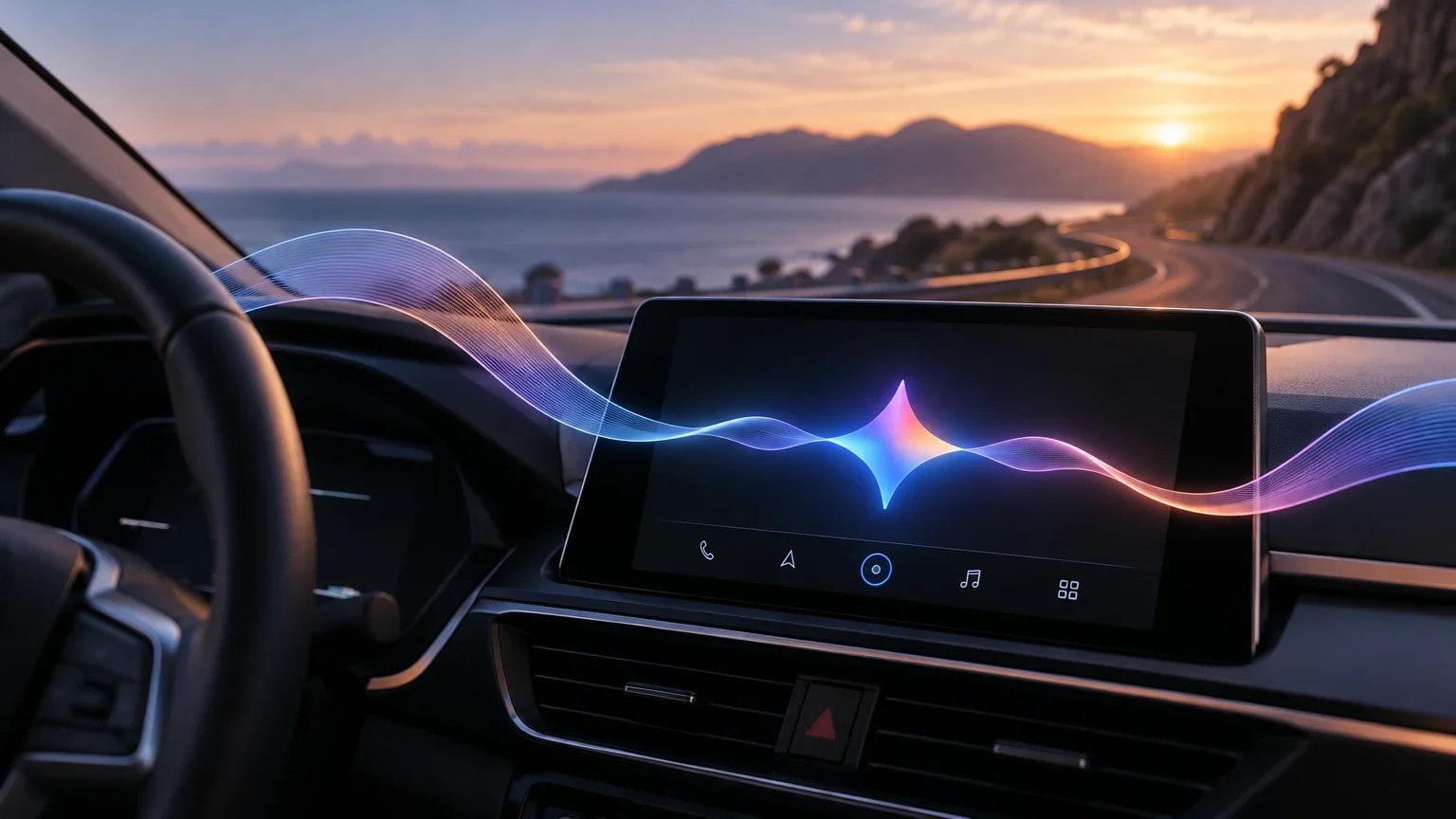
Google's announcement and the start of the rollout
Google has announced the addition of its artificial intelligence application Gemini to the Apple CarPlay system, expanding the voice assistant options available to drivers using Apple devices. The company confirmed the launch through its official blog, stating that the rollout began on November 11, 2026, and that the feature is available worldwide for all Gemini users on iOS.
This integration marks a significant shift in Apple's platform, which until early 2026 only allowed Siri as the voice assistant in the driving environment. Since then, Apple has opened its system to other popular assistants, including ChatGPT, Claude, Grok, and Perplexity, positioning Gemini as one of the last major additions to this ecosystem of in-car voice assistants.
Available features and conversation modes
The main function of this integration is Gemini Live, the assistant's voice conversation mode. Unlike traditional voice commands, Gemini Live allows users to hold natural and continuous conversations with the assistant, where the user can interrupt, change topics, or add details without losing the thread of the interaction. Conversations held in the car are automatically synchronized with the Gemini app on the iPhone, allowing the context to be resumed when parked.
Google highlights four main uses for the driver: preparing the day by checking the agenda and upcoming appointments; catching up on email through summaries of unread messages and response drafts; exploring the destination by searching for local recommendations or information about monuments; and thinking out loud to rehearse presentations or analyze complex topics. These functions depend on Gemini's connection to the Google ecosystem, including Gmail, Google Calendar, and Google Drive.
Main use cases of Gemini Live in CarPlay
Summary of the features highlighted by Google for voice interaction while driving.
| Category | Possible actions |
|---|---|
| Time management | Check agenda, calculate departure time for appointments, review meeting points. |
| Summarize unread emails, condense long threads, prepare voice response drafts. | |
| Local exploration | Find places to eat, get historical information about monuments, area recommendations. |
| Analysis and rehearsal | Rehearse presentations, practice difficult conversations, explain complex technical topics. |
Activation requirements and compatibility
To use Gemini Live in CarPlay, the user must meet a series of prerequisites on their iPhone device. First, it is necessary to update the Gemini app to the latest version available in the App Store. Second, the app must have microphone permissions enabled in the system settings. Third, the user must have used the Gemini Live feature at least once directly from the mobile phone to complete the initial setup.
Once these requirements are met, activation in the vehicle is simple: just connect the iPhone to the car's audio system, select the Gemini icon on the CarPlay screen (or in its sidebar), and start a new conversation or resume a recent session. Google has indicated that, although the rollout is global, the update may not appear immediately on all devices, so it is recommended to check the availability of the update in the App Store.
Steps to activate Gemini Live on Apple CarPlay
Detailed setup process to enable the voice assistant in the vehicle system.
- 01Update the Gemini app on the iPhone to the latest version.
- 02Grant microphone access permission to the Gemini app in the iPhone settings.
- 03Start a Gemini Live session at least once from the mobile phone screen.
- 04Connect the iPhone to the vehicle's CarPlay system via cable or Bluetooth.
- 05Tap the Gemini icon on the CarPlay screen to start or resume a conversation.
Operational limitations and driving safety
The design of Gemini Live in CarPlay aims to reduce driver distraction by prioritizing voice interaction over visual interaction. However, the feature is not exempt from technical limitations inherent to voice mode. According to official Gemini documentation, during an active voice session, certain creation and organization functions, such as access to Gems, Notebooks, Omni, or Lyria, are not available. If the user needs to use these tools, they must close the voice screen and return to the standard writing interface.
Furthermore, the current integration of Gemini in CarPlay is presented as a standalone application with its own icon, and not as a total replacement for Siri or a controller for native vehicle functions. Google has not confirmed whether Gemini can directly manage navigation, music playback, or message sending through CarPlay's native interfaces, leaving these tasks possibly to Siri or other assistants. The coexistence of both assistants in the same driving environment remains not fully detailed in official announcements.
Linguistic availability and situation in Spain
Google has confirmed that the feature is available in all languages supported by Gemini Live. However, the official statement does not include an exhaustive list of supported languages nor specify a rollout schedule by country. This creates uncertainty about the immediate availability of Spanish from Spain at the time of launch.
Although there is no explicit confirmation from Google regarding specific support for peninsular Spanish, a logical inference exists: if the user can already use Gemini Live in Spanish from their iPhone, it is likely that the feature is available in CarPlay. The most reliable way to verify compatibility is to update the app and test the assistant on a real trip. Users in Spain are advised to watch for future app updates or Google statements that clarify the definitive list of supported languages.
Keep exploring
Sources consulted
Corrections and transparency
If you spot incorrect or outdated information, send us a correction with the page and source we should review.
Submit a correction